




Relocating to a new home is exciting, but it comes with a checklist – updating your address across essential services like banking, gas connections, and insurance. For many of these, your Aadhaar card isn’t just helpful; it’s maandatory. Thankfully, updating your Aadhaar address online is now easier than ever, and free until July 14, 2026, via the official myAadhaar portal. (File Photo)
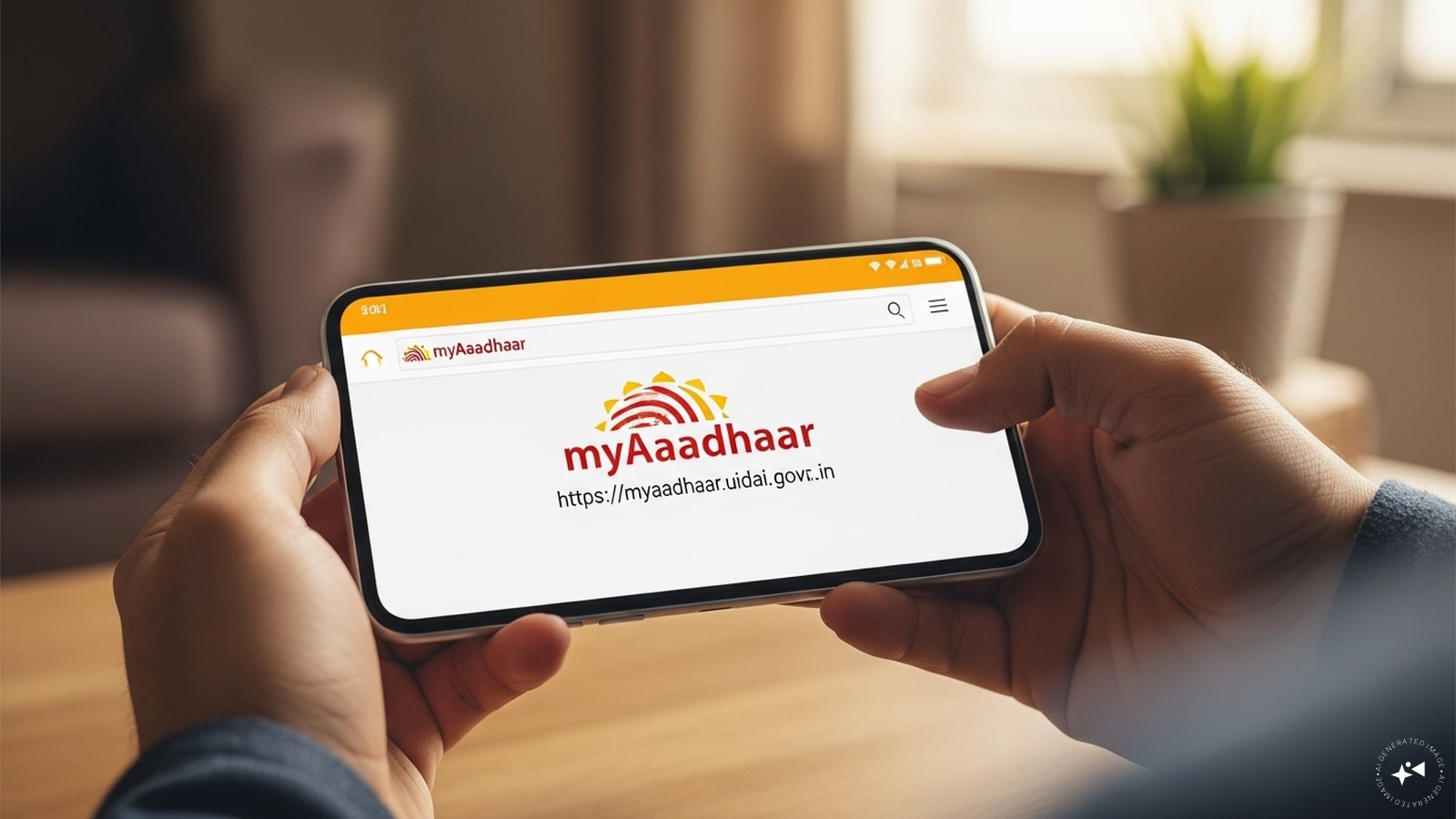
Step 1: Visit the myAadhaar Portal
Go to https://myaadhaar.uidai.gov.in from any device with internet access. (Image: AI-Generated)
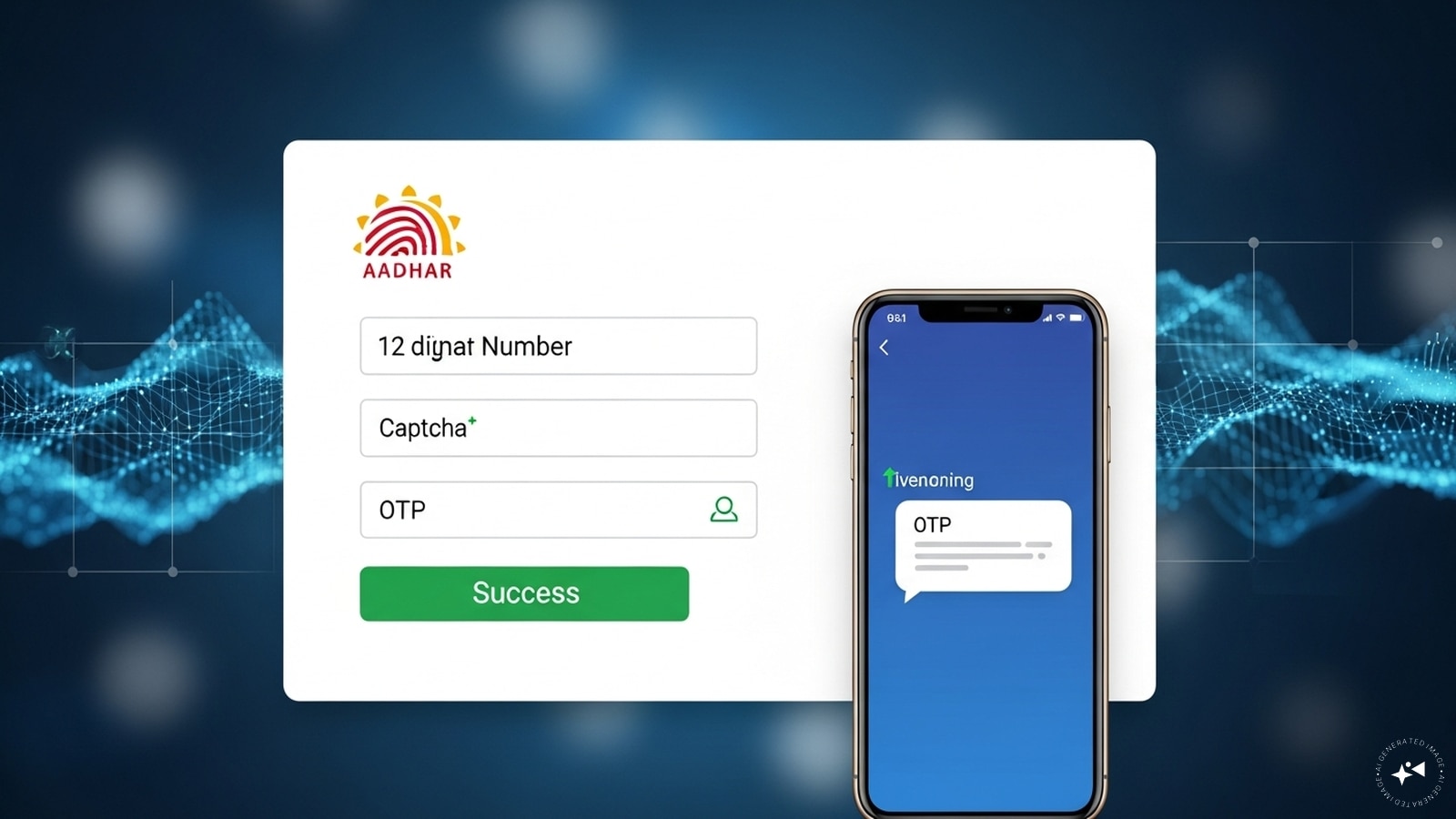
Step 2: Log In Using OTP
Enter your 12-digit Aadhaar number and the captcha code. You’ll receive a one-time password (OTP) on your Aadhaar-linked mobile number. Enter the OTP to log in. (Image: AI-Generated)
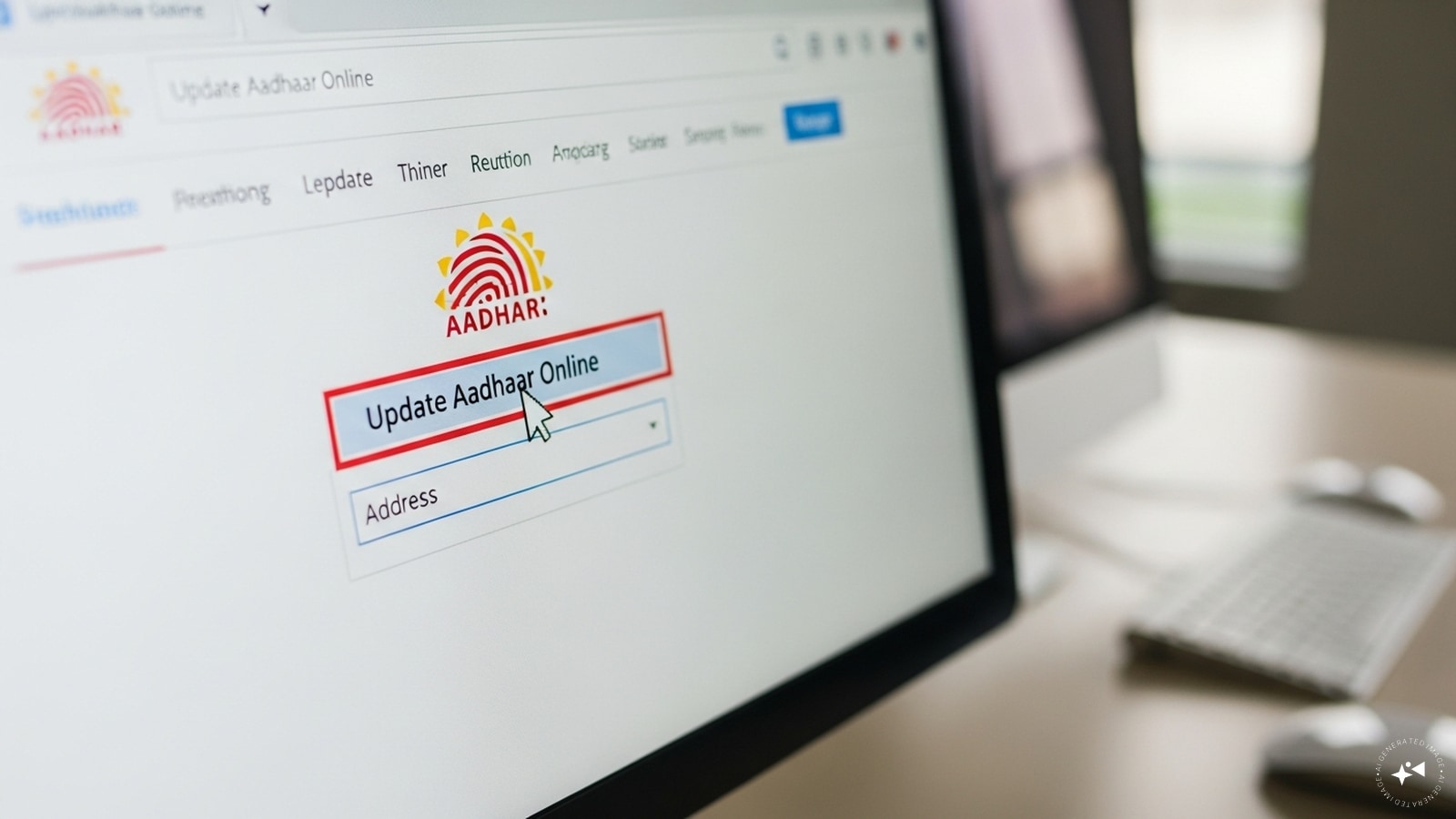
Step 3: Select ‘Update Aadhaar Online’
Click on the “Update Aadhaar Online” option and choose “Address” as the field to update. (Image: AI-Generated)
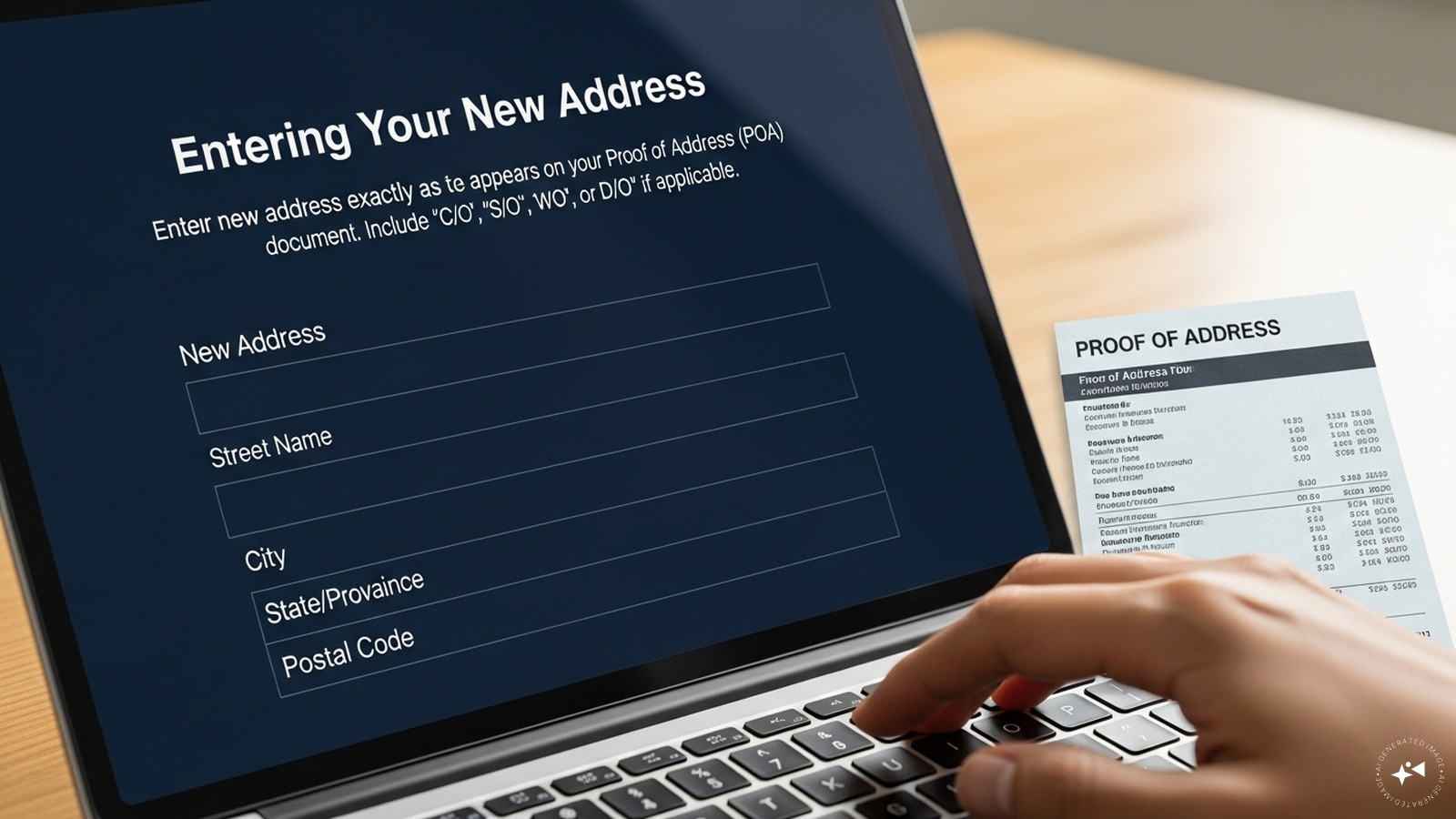
Step 4: Enter Your New Address
Type your new address exactly as it appears on your Proof of Address (POA) document. Include “C/O,” “S/O,” “W/O,” or “D/O” if applicable. (Image: AI-Generated)
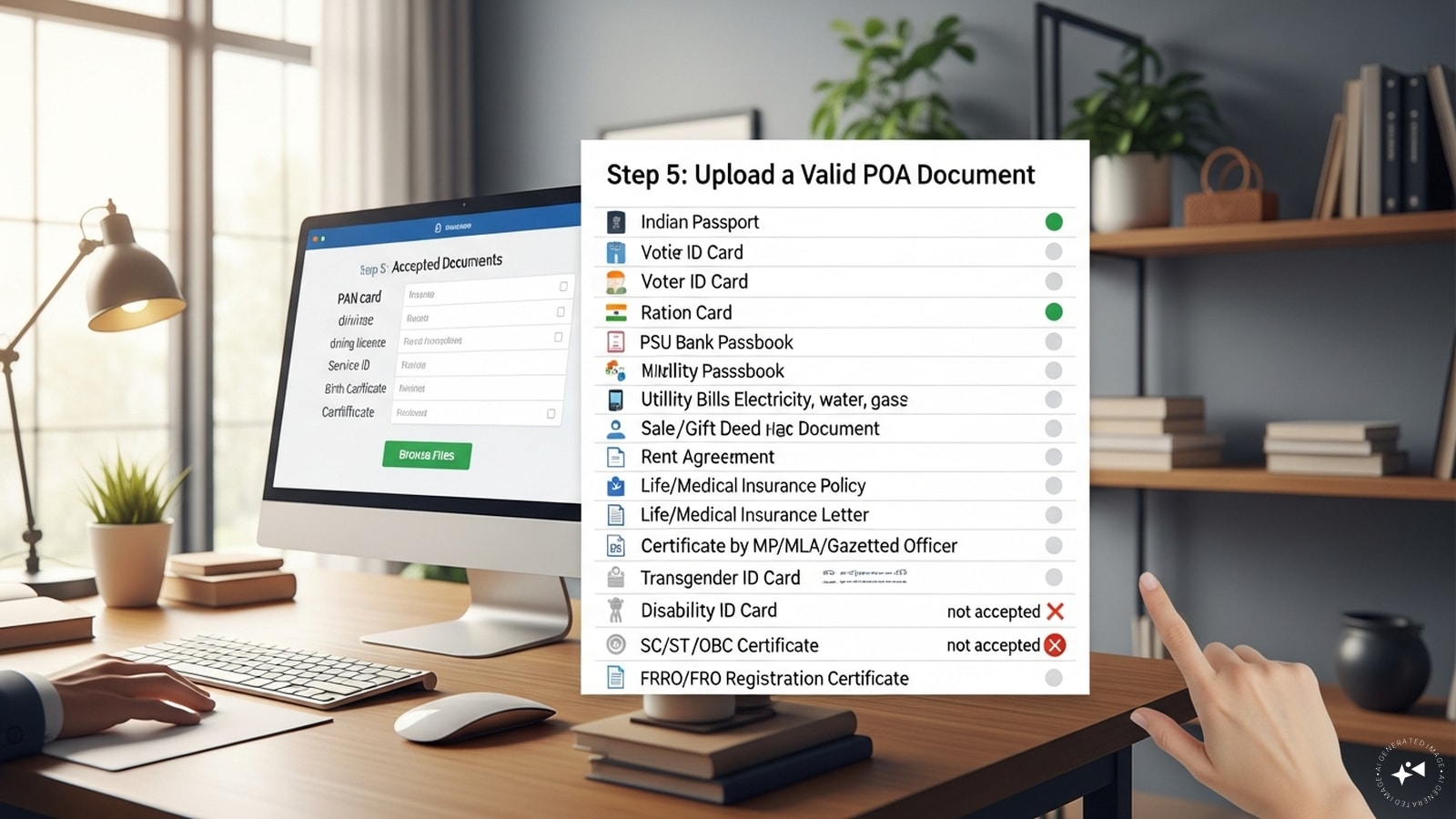
Step 5: Upload a Valid POA Document
Accepted documents include Indian Passport, Voter ID or e-Voter ID, Ration Card, PSU Bank Passbook with photo, Utility bills (electricity, water, gas, phone — not older than 3 months), Rent agreement, sale/gift deed, Life/medical insurance policy, Govt allotment letter (not older than 1 year), Certificate by MP/MLA/Gazetted Officer, Transgender ID, Disability ID, SC/ST/OBC certificate, and/or FRRO/FRO registration certificate. Please note, PAN card, driving license, service ID, and birth certificate are not accepted as POA. (Image: AI-Generated)
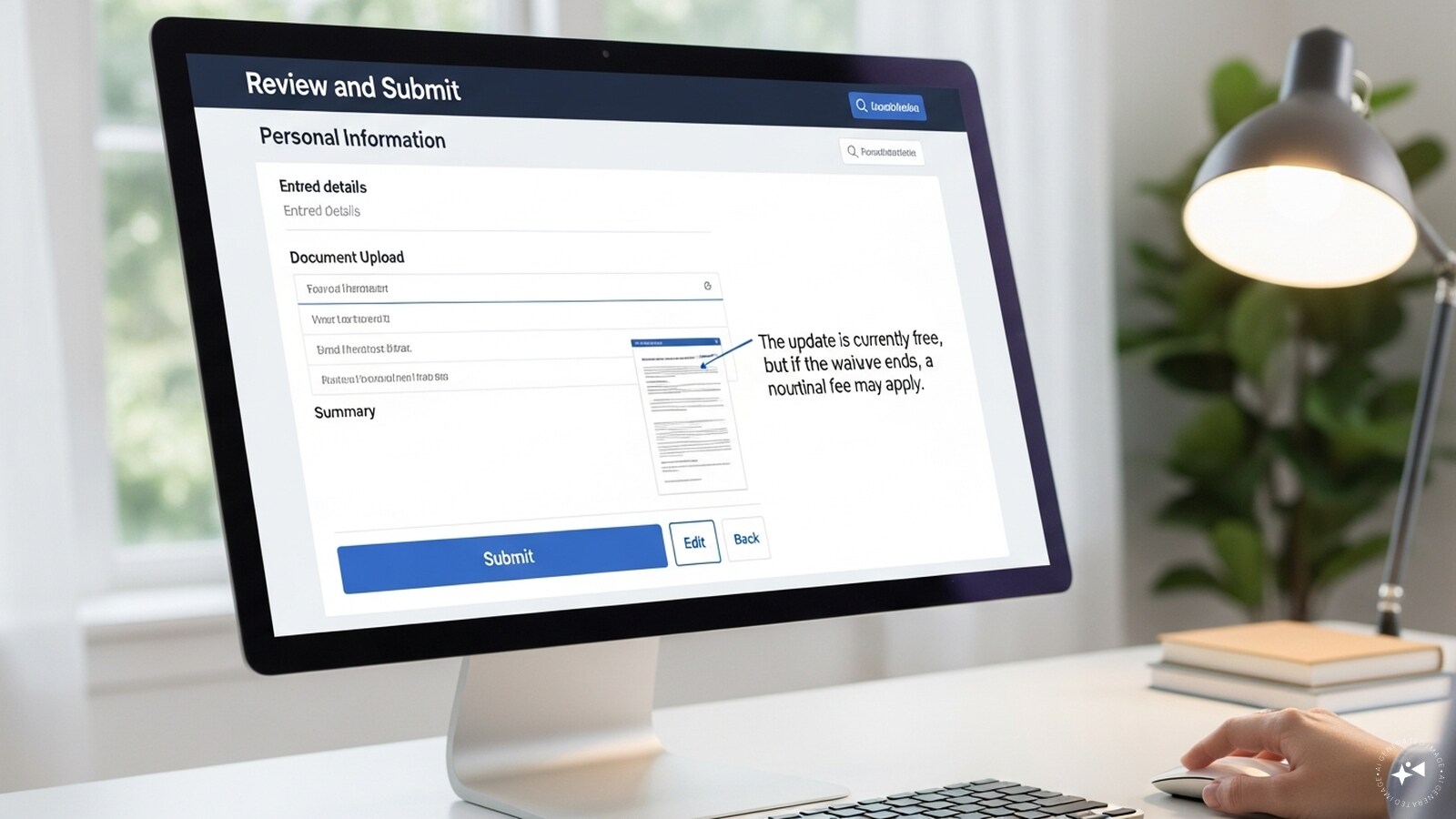
Step 6: Review and Submit
Preview your entered details and uploaded document. The update is currently free, but if the waiver ends, a nominal fee may apply. (Image: AI-Generated)
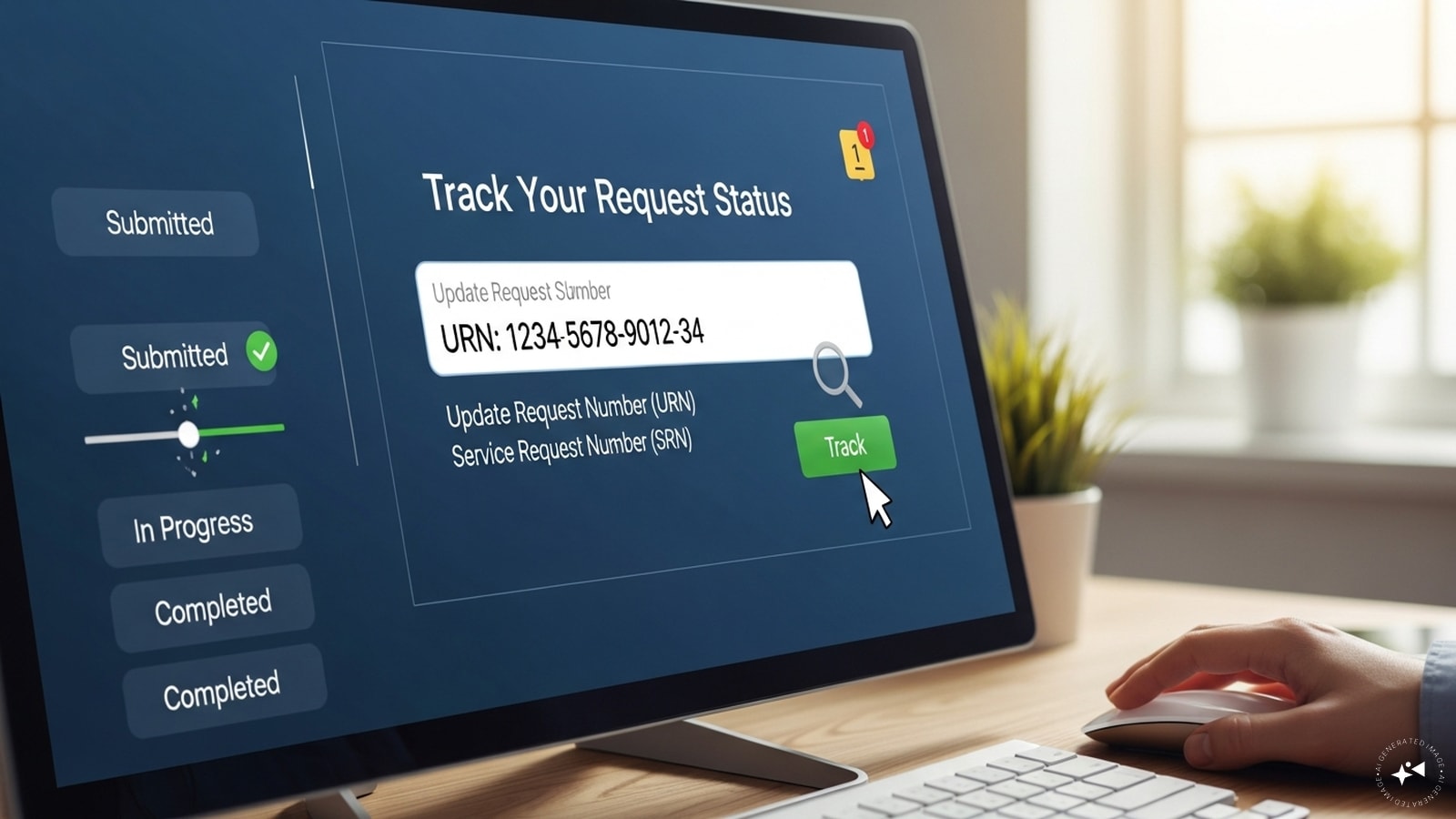
Step 7: Track Your Request
After submission, you’ll receive a 14-digit Update Request Number (URN) or Service Request Number (SRN). Use this to track your update status on the portal. (Image: AI-Generated)
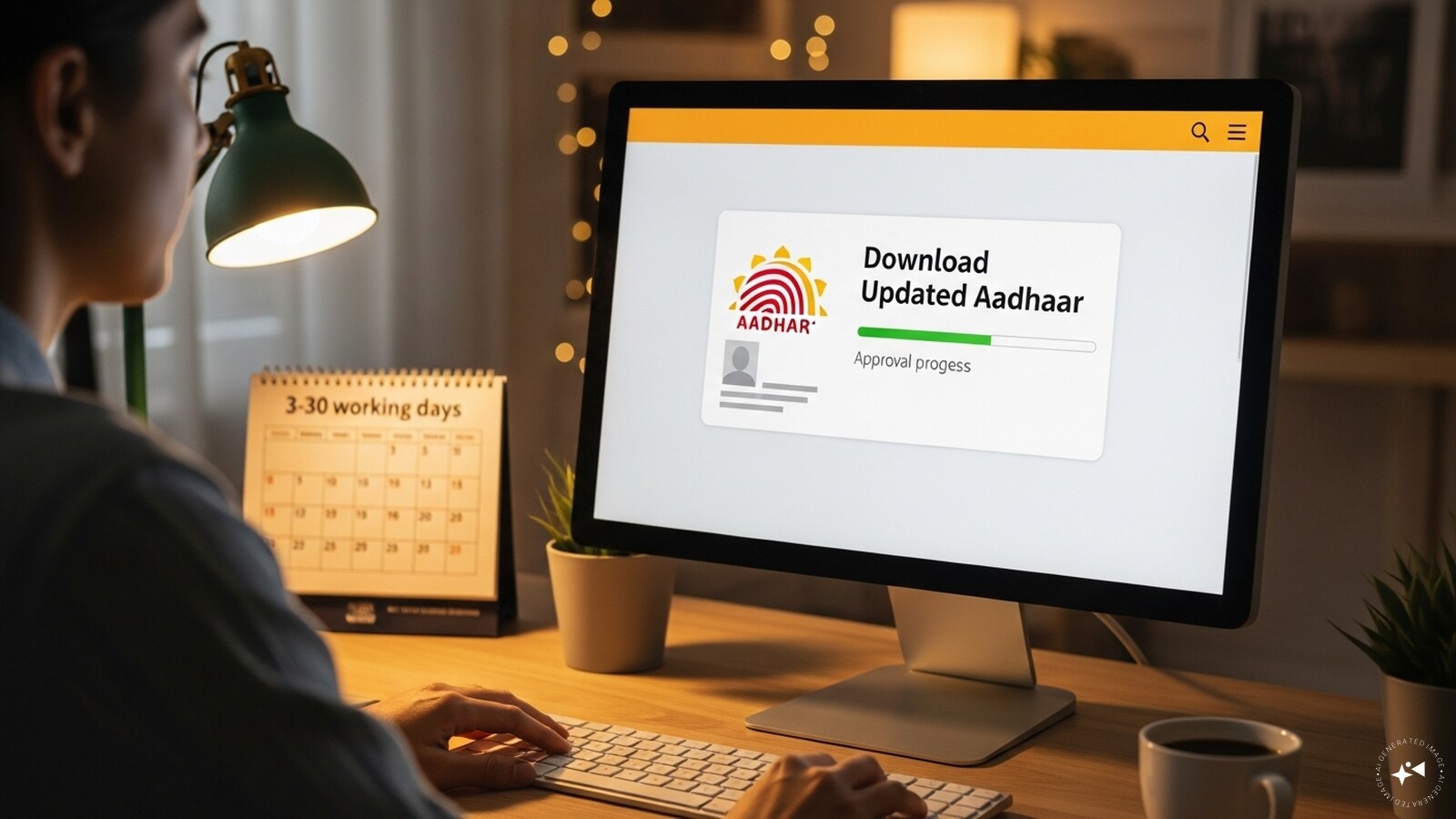
Step 8: Download Updated Aadhaar
Once approved (usually within a few working days, up to 30 days max), you can download your updated Aadhaar e-card directly from the portal. (Image: AI-Generated)